The answer changes with the technician who happens to know the account.
Onboarding begins with folders, text messages, and tribal knowledge.
Callbacks are difficult to review because the source and prior reasoning are missing.
For service contractors
Give every technician the same selected manual set, site context, and evidence trail while managers keep the service history and rollout in view.
BEFORE / AFTER
The answer changes with the technician who happens to know the account.
Onboarding begins with folders, text messages, and tribal knowledge.
Callbacks are difficult to review because the source and prior reasoning are missing.
Configure the account once with validated assets, documents, and plans.
Carry source-cited checks into a consistent field workflow.
Preserve the verified fix and evidence for training and review.
INTERFACE DIRECTION
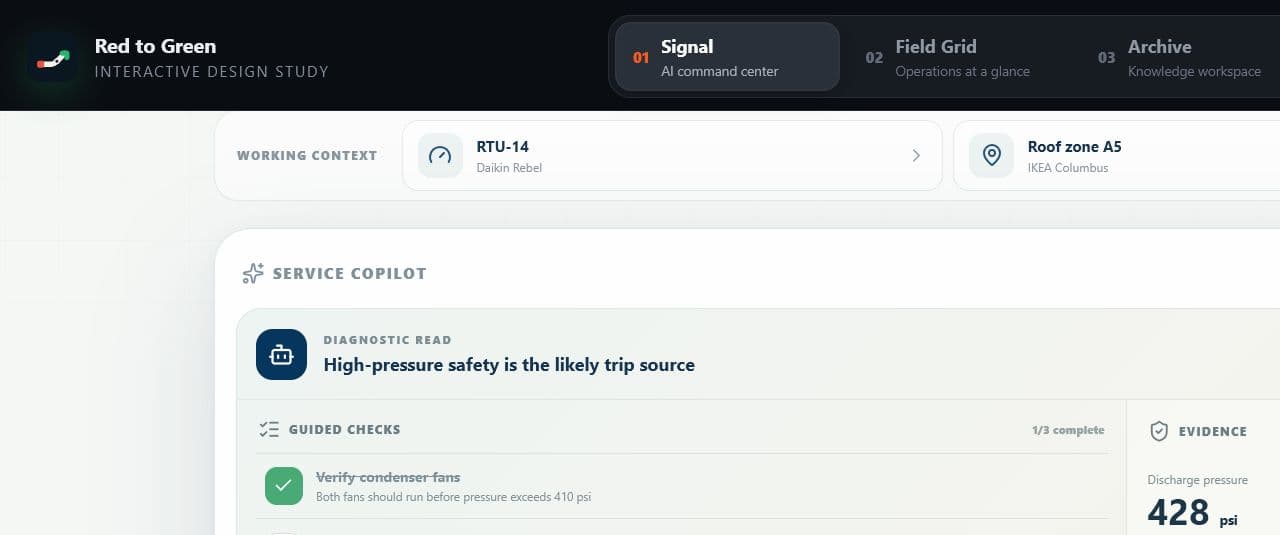
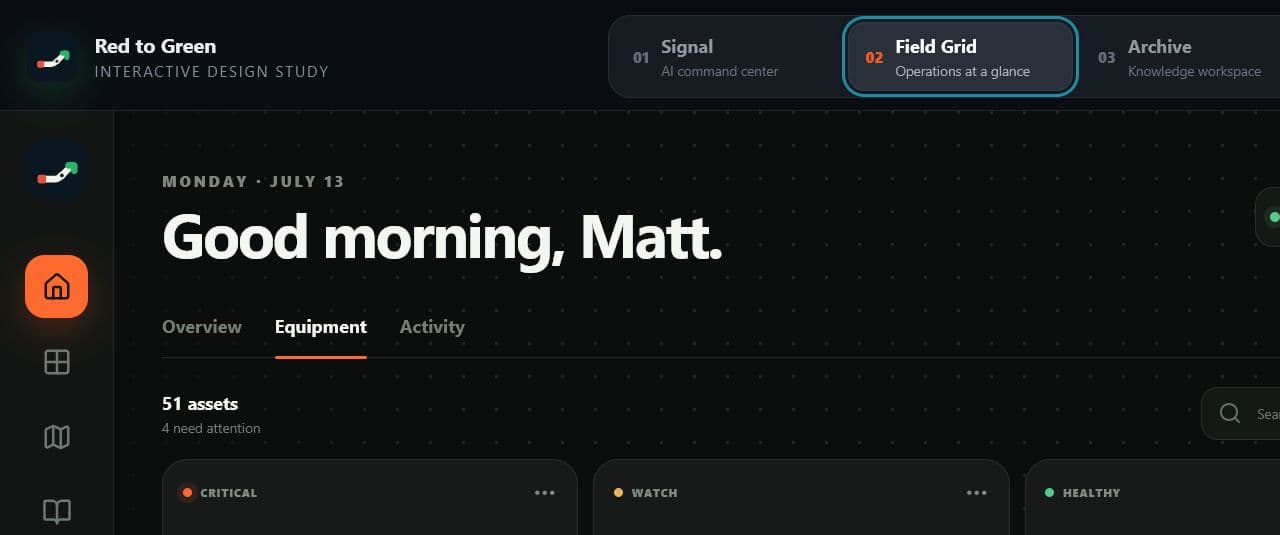
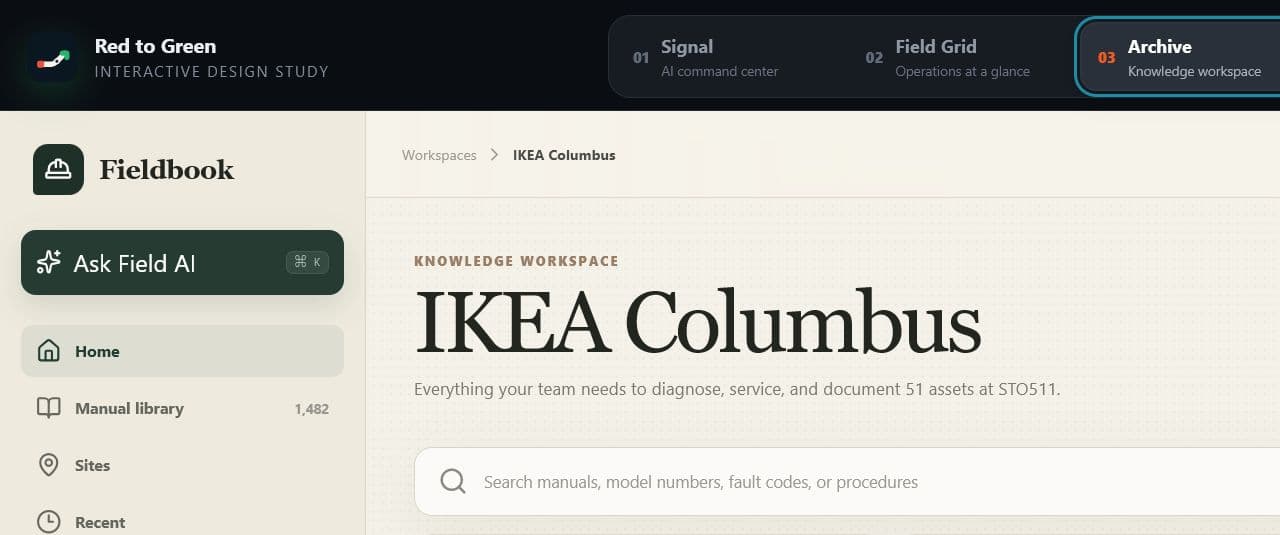
These interface studies show how equipment context, source material, and cited responses can stay connected through the workflow.
WHAT WE MEASURE
Commercial pilots are measured against an agreed baseline. Results, names, and quotes are published only when the customer approves them in writing.
Named users who complete the first field workflow
Repeat use across the 45-day pilot
Tracked from the customer's own baseline
QUESTIONS / ANSWERED
Straight answers about fit, coverage, rollout, and technical trust.
No. Keep the system that runs dispatch and commercial operations. The field-intelligence workflow adds equipment identity, cited troubleshooting, site context, maps, manual access, and reusable service knowledge alongside it.
Commercial plans can include private manuals, asset lists, plans, and service material. Organization and site permissions keep customer-specific material scoped to the authorized team.
We confirm the schedule after a source audit. A standard site moves through asset import, document matching, plan setup, validation, training, and acceptance before the 45-day pilot starts. Timing depends on the quality of the asset register, the availability of manuals and plans, and any integration or cleanup work.
Named technicians who perform field work require paid licenses. Standard commercial pricing includes two manager or administrator accounts, while report viewers and requester-style users are not counted as technician seats.
The 45-day review compares the agreed baseline with activation, repeat use, time to the cited source, answer helpfulness, and resolved cases. If the customer signs an annual site agreement within 30 days of review, the $2,500 pilot payment is credited toward first-site commissioning.
Choose one account, five technicians, and one callback pattern. Run the workflow on live work for 45 days.