Search downloads, browser tabs, and shared drives while the unit waits.
Guess whether a nearby series manual actually applies to the nameplate.
Lose the previous fix when the next technician returns to the asset.
For field technicians
Start with the equipment in front of you, ask the question in plain language, and keep the supporting manual page beside the answer.
BEFORE / AFTER
Search downloads, browser tabs, and shared drives while the unit waits.
Guess whether a nearby series manual actually applies to the nameplate.
Lose the previous fix when the next technician returns to the asset.
Match the model, fault, and site context before searching.
Review field checks with the cited passage in view.
Save the useful source and verified fix for the next call.
INTERFACE DIRECTION
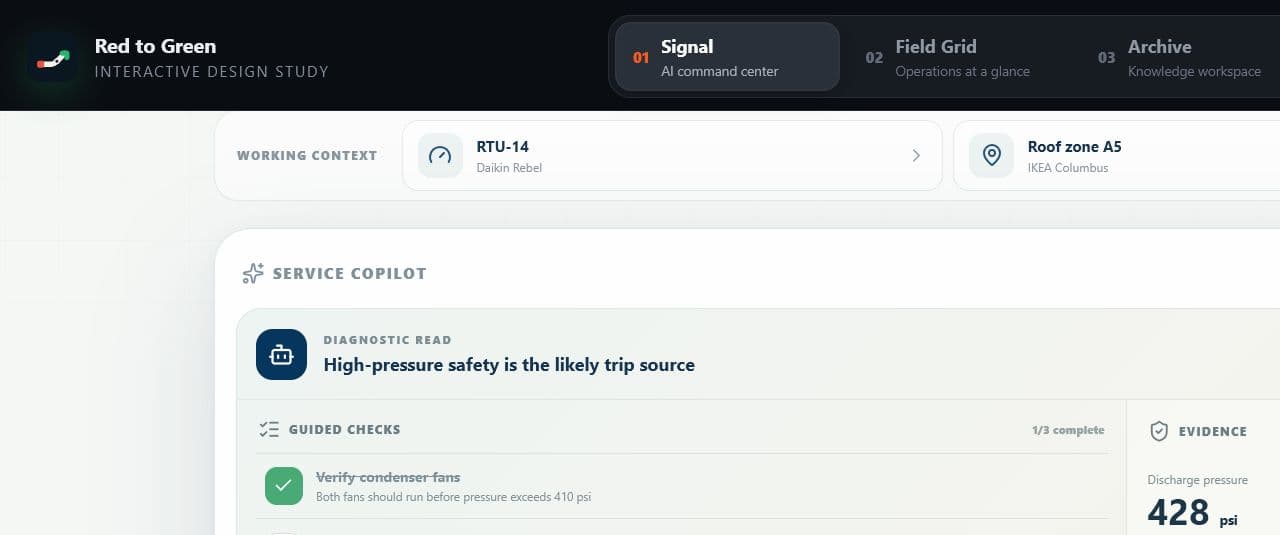
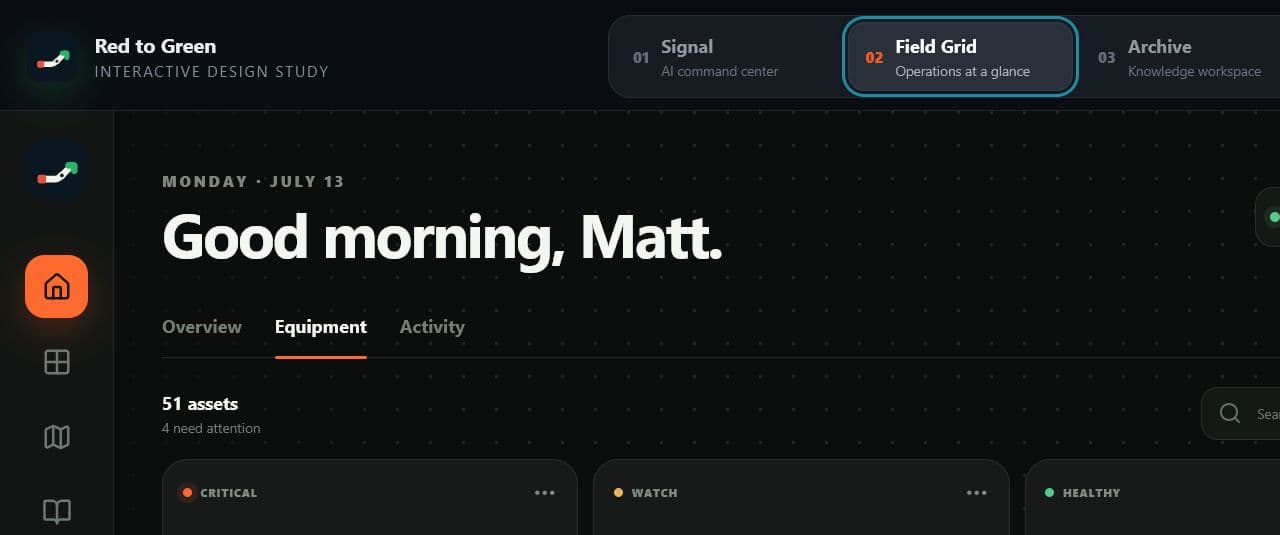
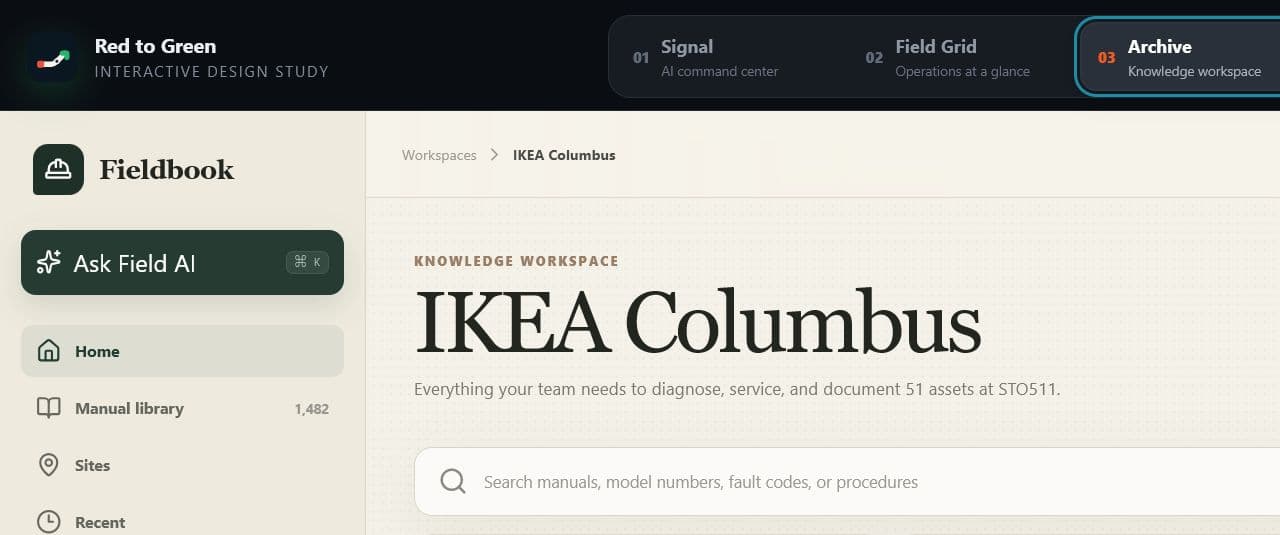
These interface studies show how equipment context, source material, and cited responses can stay connected through the workflow.
WHAT WE MEASURE
The field workflow keeps the equipment record, manual title, supporting page, and guided checks in the same view.
Measured from question to supporting source
Recorded by technicians after real calls
Evidence that the workflow earns a place in the truck
QUESTIONS / ANSWERED
Straight answers about fit, coverage, rollout, and technical trust.
The public library is refreshed from the live catalog and spans manuals and diagrams from many commercial-equipment manufacturers. Coverage still varies by model and document type, so every supported response shows the source it used and makes an exact-model gap visible.
The answer basis should make the limitation visible. A technician can review the closest supporting source, avoid treating it as an exact-model procedure, and request the missing document for the library or configured site packet.
Yes. Page-level citations, the manual title, and the supporting passage stay attached to supported responses so the technician can inspect the source before acting.
Saved manual references and configured site packets are designed for low-connectivity work. Teams should prepare and sync the required packet before entering an offline area.
Yes. Individual Field is designed for a technician, foreman, or small-shop owner buying the manual-intelligence workflow personally without a configured commercial site.
Bring a model number and a fault. See how quickly the workflow reaches the supporting page and a practical next check.